ThinkTank embeds directly into Claude.ai and ChatGPT. Organize conversations into folders, bookmark what matters, and manage saved prompts — no tab switching, no copy-pasting.
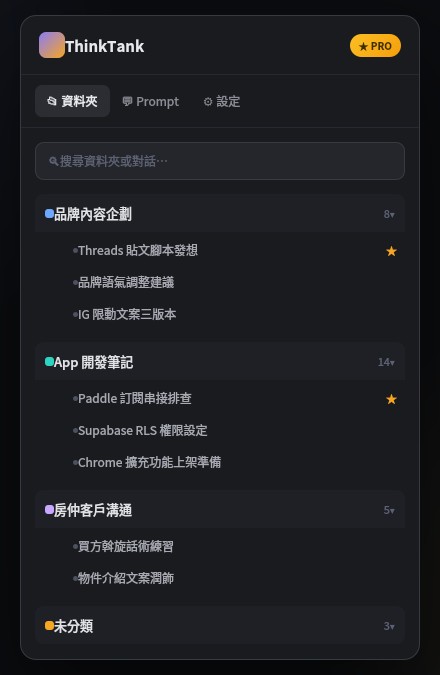
Once installed, the sidebar appears next to the chat interface you already use — no new tabs, no switching windows.
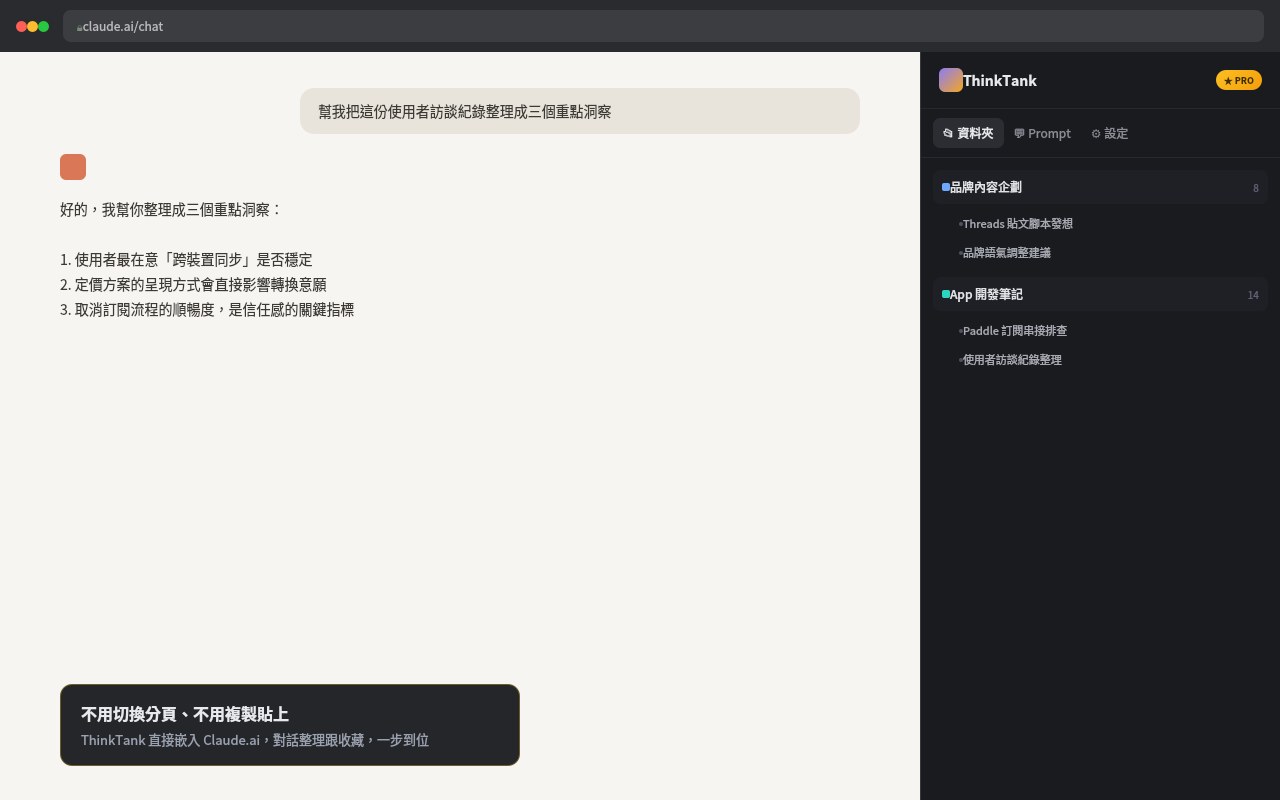
Right after reading Claude's reply, file it into a folder or bookmark it — without breaking your train of thought.
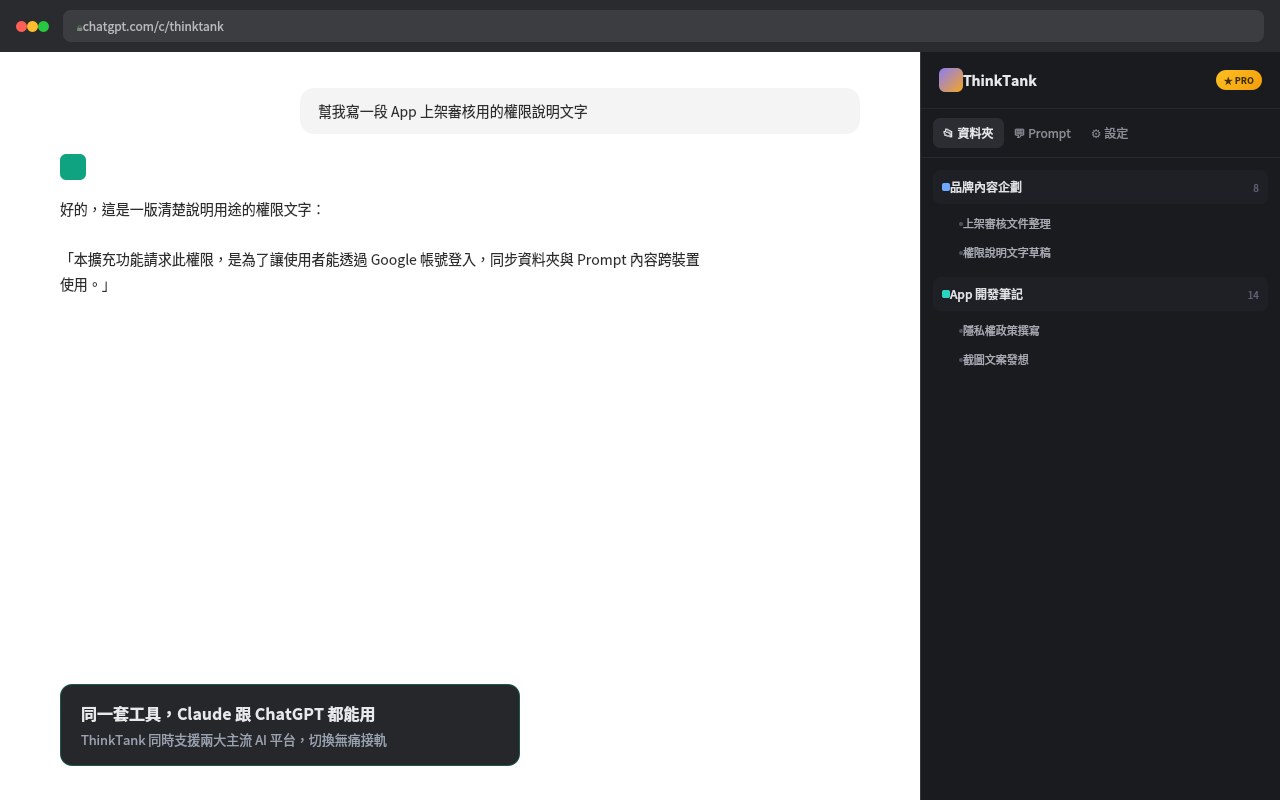
No need to switch your organizing habits when you switch platforms — folders and prompts work the same way on both.
Not another generic notes app — built specifically for how AI conversations pile up.
Nested subfolders, structured the same way your own thinking is — expand as deep as you need.
The phrasing you always type — stop rewriting it from scratch every time.
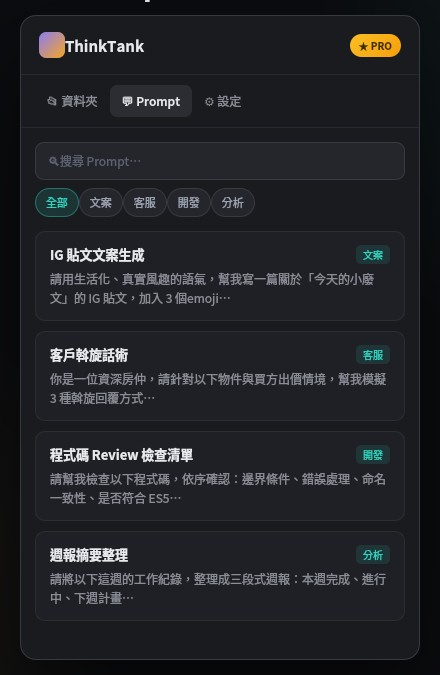
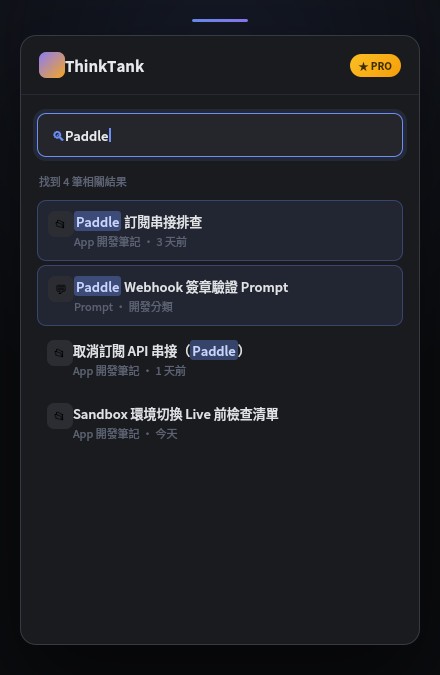
Search matches instantly across every folder and every prompt — no need to remember where you filed it.
Every plan can be canceled anytime from inside the extension — you keep access until the end of the billing period.
On the free plan, your data stays in your own browser — we can't access it. On the Pro plan, to enable cross-device sync, your folders and prompt content are also synced to our cloud database, but we don't review, analyze, or use that content for any marketing purpose. See our Privacy Policy for details.
All payments are processed by our third-party payment partner, in line with global payment security standards. ThinkTank itself never touches or stores your card details.
Yes — cancel with one click from "Manage Subscription" inside the extension. You'll keep Pro access until the end of your current billing period, then automatically switch to the free plan with no further charges.
Yes — the same folders and prompts are shared across both platforms, so there's nothing to set up twice.
The free plan includes up to 5 folders and 5 saved prompts, stored locally in your browser. That's enough for most light usage — upgrade when you need more space or cross-device sync.
Takes 30 seconds to install. Free plan needs no credit card.
Start for free ThinkTank